VNC and RDP in one app
VNC with Raw, CopyRect, ZRLE and Tight encodings, and RDP with NLA sign-in and pinned TLS certificates.
 Lupinus
Connect to any VNC or RDP machine — including a Mac's built-in Screen Sharing — from one small, fast native app. No browser tab, no Electron.
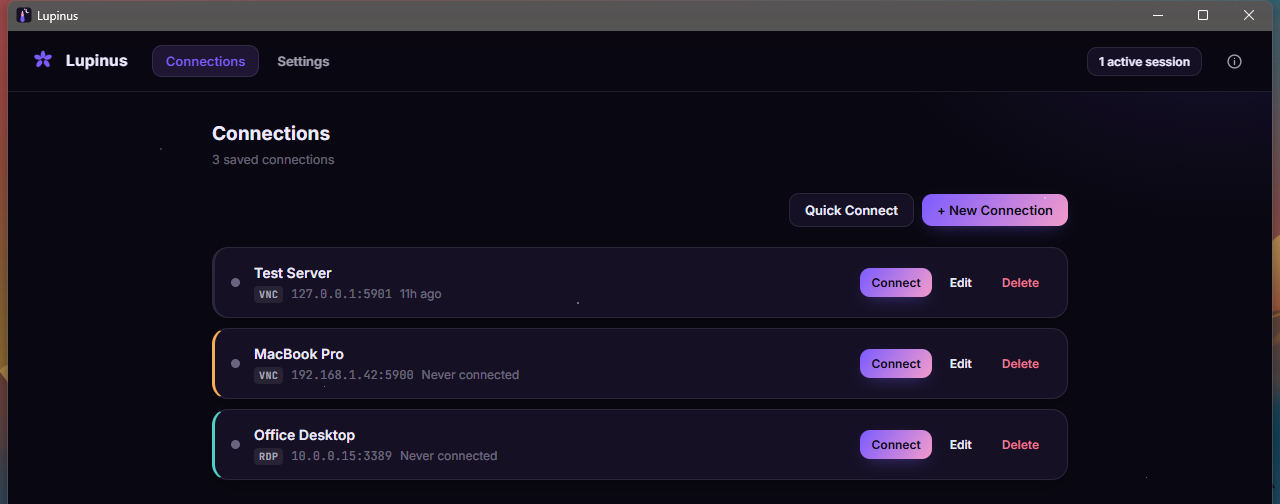
VNC with Raw, CopyRect, ZRLE and Tight encodings, and RDP with NLA sign-in and pinned TLS certificates.
Sign in with your Mac username and password — no extra software needed on the Mac.
Colour depth adapts to your connection and only changed pixels are drawn, so even long-distance sessions stay usable.
Keep several machines open and switch instantly. Dropped connections reconnect on their own.
Colour tags, quick connect, and import or export of your saved connections.
Passwords live in your OS keychain, never in a config file.
Two-way clipboard sync, full keyboard passthrough and a Ctrl+Alt+Del button.
38 languages, including right-to-left scripts, picked automatically.
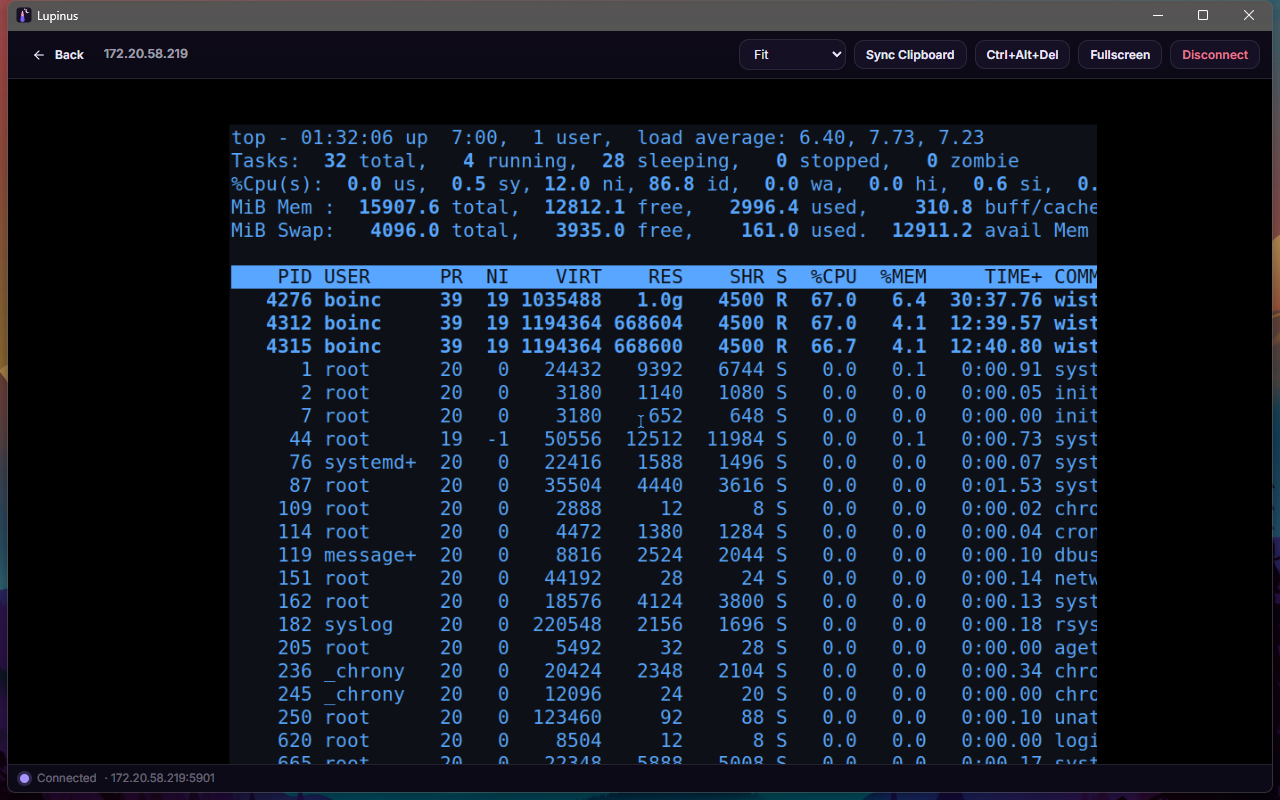
Pick your platform. Every build is made by GitHub Actions and published with checksums.
Windows needs WebView2 (included in the installer). Linux needs GTK 3 and WebKitGTK 4.1. SHA-256 checksums
Lupinus is written in Go with Wails and the full source is on GitHub. Bug reports, translations and pull requests are welcome.